

Google Ads
custom labels
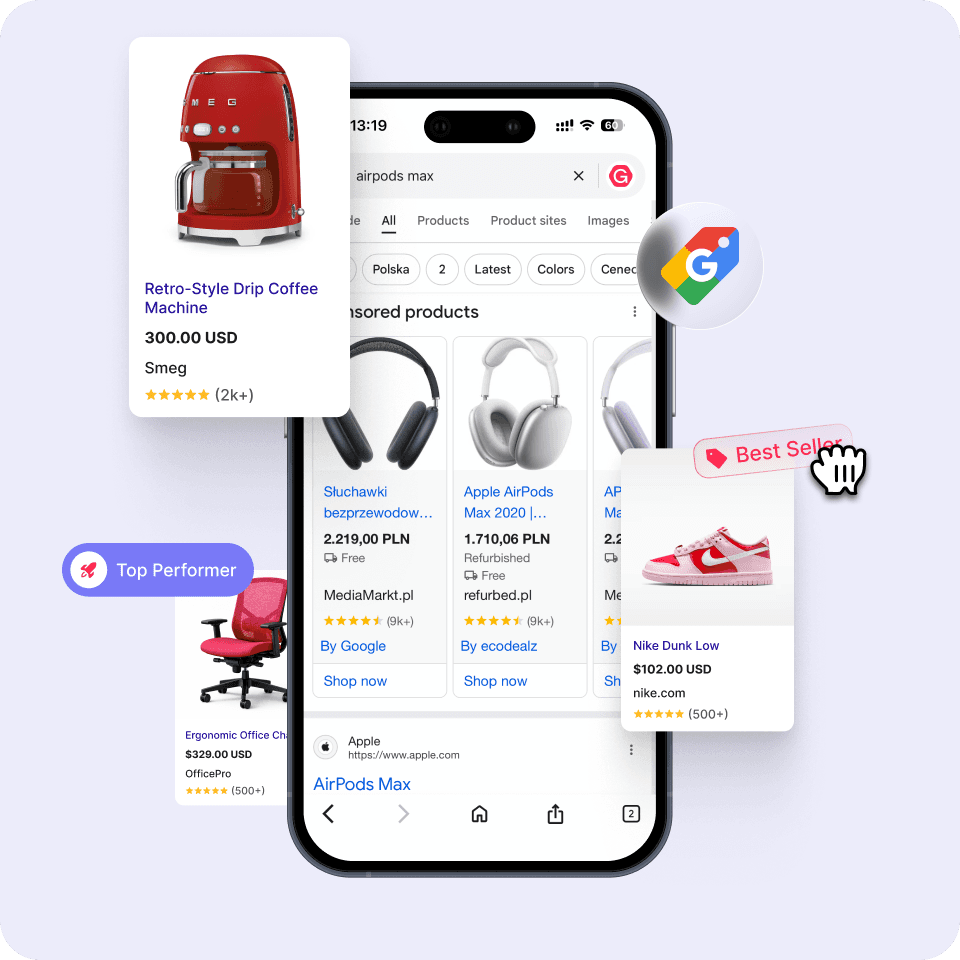
Automatically segment products, detect Zombie SKUs, and optimize Google Shopping and PMax campaigns using intelligent product labeling.
How G-MOS
improves product performance
System analyzes performance data and automatically generates a supplementary feed with custom labels, ready to be synced with Google Merchant Center to enable campaign segmentation
Create structured campaign segments and listing groups
Prioritize high-performing items
Identify products with zero impressions
Test underexposed products with dedicated campaigns
Uncover new revenue opportunities across your product catalog
Problems solved by the custom
labeling for Google Ads
Manual campaign management
The system eliminates the need for manual work and automates constant updates to product feeds, campaigns, and segmentation rules.
Budget wasted on irrelevant products
Products that are out of stock or performing poorly can be detected and excluded from campaigns.
Human errors in product feeds
Automation reduces broken URLs, outdated prices, or incorrect product attributes.
Missed traffic opportunities
Structured product segmentation allows advertisers to capture valuable long-tail queries that might otherwise be missed.
+30%
ROAS improvement potential
2×
faster campaign optimization
+40%
possible product visibility
Set up automated product labeling in minutes
Step 1
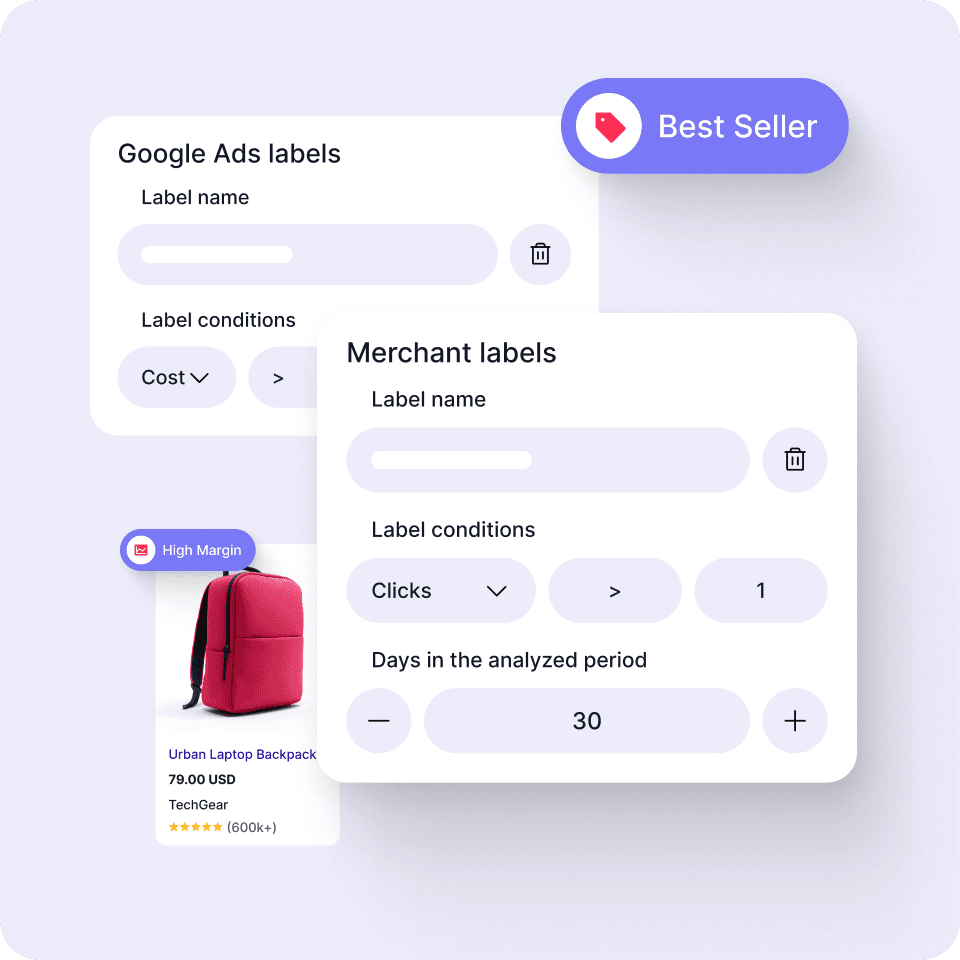
Connect data & define rules
Connect your Google Ads account and Merchant Center feed. Set simple rules based on performance signals such as clicks, impressions, or cost to classify products automatically.
Step 2
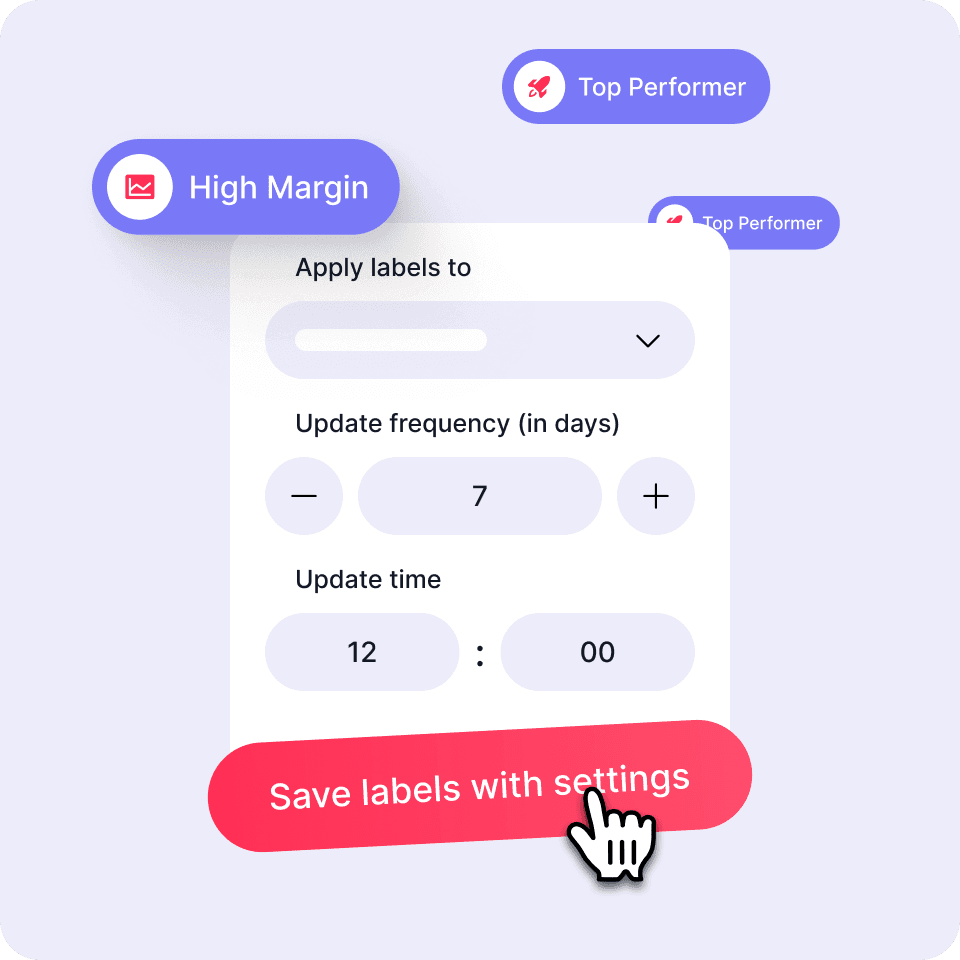
Generate labels & segment campaigns
Already trusted by 50+ large marketplaces, e-commerces, and marketing agencies:


READY?
Ready to automate your ads?
Automate ad creation, improve performance, and save time. Book a demo today to see how G-MOS can boost your campaign results.